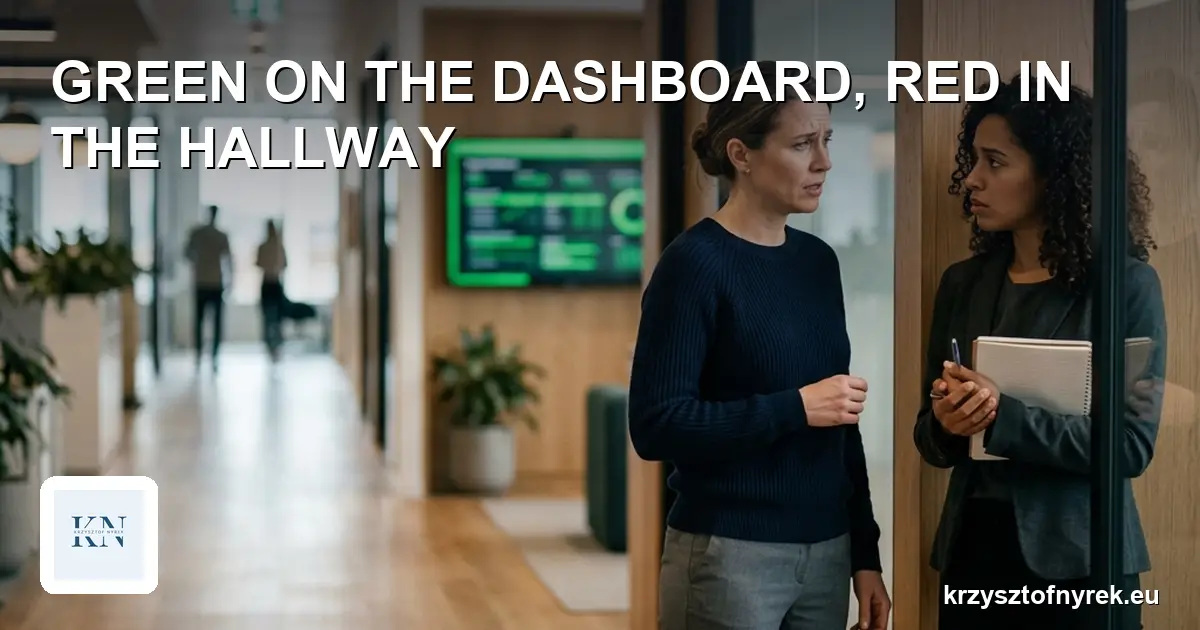

“The dashboard is all green, so where is this escalation coming from?” That question usually comes from a sponsor who opened the dashboard in the morning and heard from the client in the afternoon that the rollout is stuck. Both pieces of information are true. The dashboard really was green and the rollout really was stuck.
In a moment like that it’s easy to assume someone was hiding the truth. In my experience, usually nobody was hiding anything. The tool showed exactly what it is able to show, which is the last thing somebody typed into it.
What the dashboard actually shows
A status tool doesn’t see the work. It sees entries about the work. Between the two there is a person who has to find a moment to update the entry, and has to decide there is something worth updating.
Three things follow from that, and they are worth keeping in mind every time you look at a green field.
A status has a date you can’t see. A green field entered two weeks ago looks exactly like a green field entered this morning. Most dashboards show the colour of the information, not its age.
A status is an opinion, not a measurement. “On track” means that the person entering it believed so at the moment of entering it. If they didn’t yet know about the problem at the supplier, their green was honest and untrue at the same time. It’s the same mechanism that keeps status reports green right up until they turn red.
Changing to red costs something, changing to green doesn’t. A red field means questions, a meeting and explaining yourself, so people change the colour only once they are sure things are bad, and for a few days before that they hope the team will catch up.
Why the hallway knows earlier
In the hallway, over coffee or in the team chat, information travels without a form. Someone says “I don’t like the look of that integration” long before they are able to justify it. A sentence like that has no field on the dashboard, so it never gets there.
The gap between the dashboard and the hallway is therefore neither a tool failure nor bad faith on the team’s part. It is built into the way information comes into being. First someone has a hunch, then a suspicion, then certainty, and only at the end the time to type it in. The dashboard gets the last stage, the hallway knows the first.
Buying a better tool won’t change that. The new dashboard will look nicer and will still show the last entry.
What you can do without replacing the tool
You don’t have to throw the dashboard away. It’s enough to stop treating it as a measurement and add a few habits that shorten the road from the hallway to the status.
Show the age of the status. Next to the colour, the date of the last change. A green from two weeks ago stops being reassuring and starts raising the question of whether anyone has looked there at all.
Add a field for the hunch. One short question for every workstream: “what worries you, even though you can’t prove it yet?”. The answer “nothing” is fine. The point is to give the worry somewhere to land before it becomes a delay.
Ask about confidence, not only about colour. “Green, low confidence” is completely different information from “green” alone. The PM who receives it knows where to look first.
Lower the price of red. If the first reaction to a red field is “what do you need?” instead of “why only now?”, people start changing the colour earlier. That depends more on the sponsor and the PM than on the team.
Walk the hallway once a week. Literally, or in the chat. Ten minutes of conversation with the two people doing the hardest part often tells you more than the whole dashboard. Whatever you hear there, write it down where the project keeps its tasks, because spoken agreements rarely survive a week.
This doesn’t remove the gap entirely, because there will always be a moment between the hunch and the entry. It does shorten it from weeks to days, and that is usually enough to react in time.
One question for this week
Open your dashboard and, for every green field, check when someone last changed it. If there is no way to check, you already know where to start.
All situations described in this article are based on real events, but contain no company names, no individual names, and no data from any specific project.